Debt Payoff Tracker Google Sheets & Excel
About $10 on Etsy
Get it on Etsy- Excel & Google Sheets
- Instant download
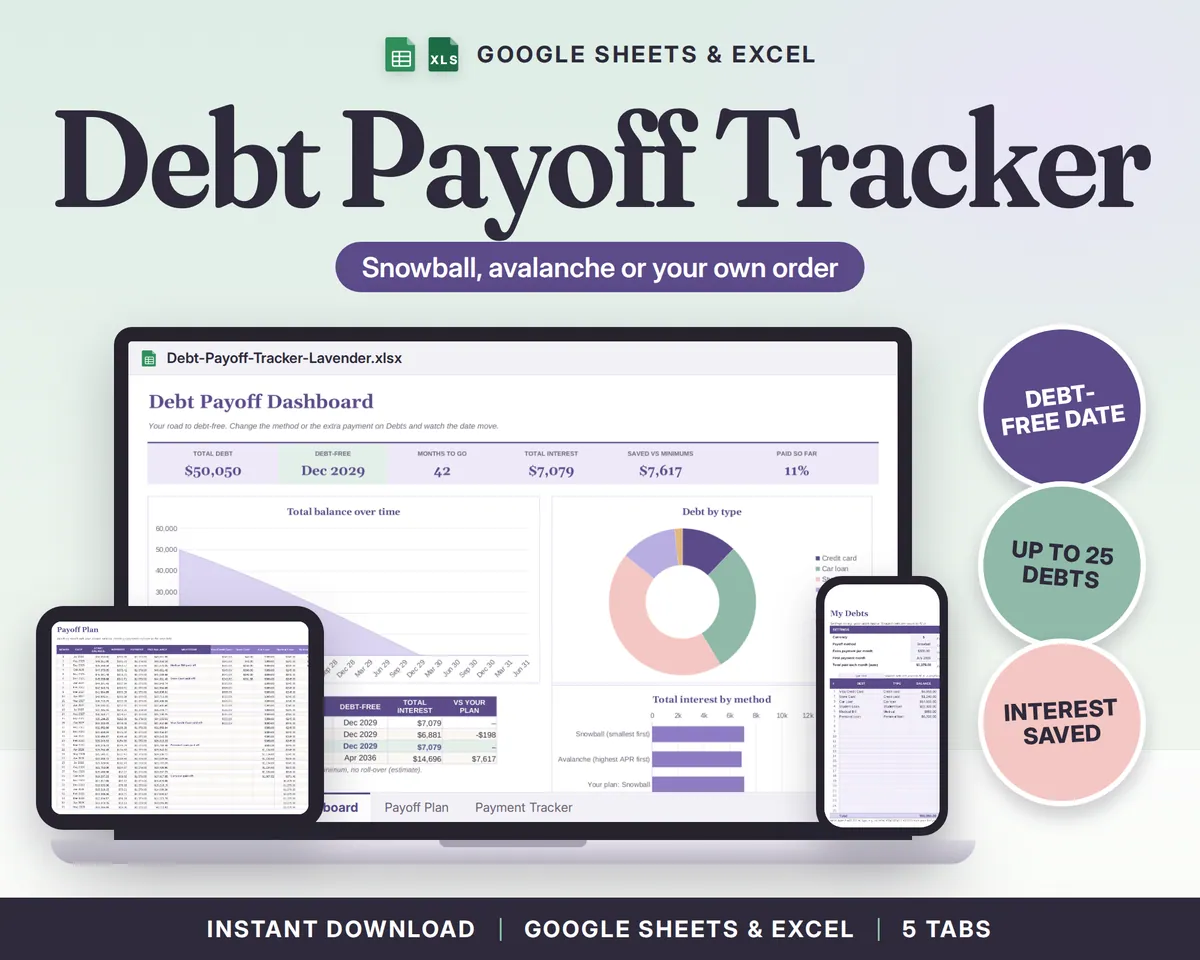
Debt Payoff Tracker for Google Sheets and Excel: snowball, avalanche or your own order, with the month you'll be debt-free in big letters.
See inside
What you get
A list of debts is easy to ignore. A date is harder. I made this tracker so the plan does the remembering: type each debt once, pick a method, and it builds the payoff month by month, rolls every freed-up payment into the next debt, and shows how much interest each method costs you. Change the extra payment and watch the debt-free date move.
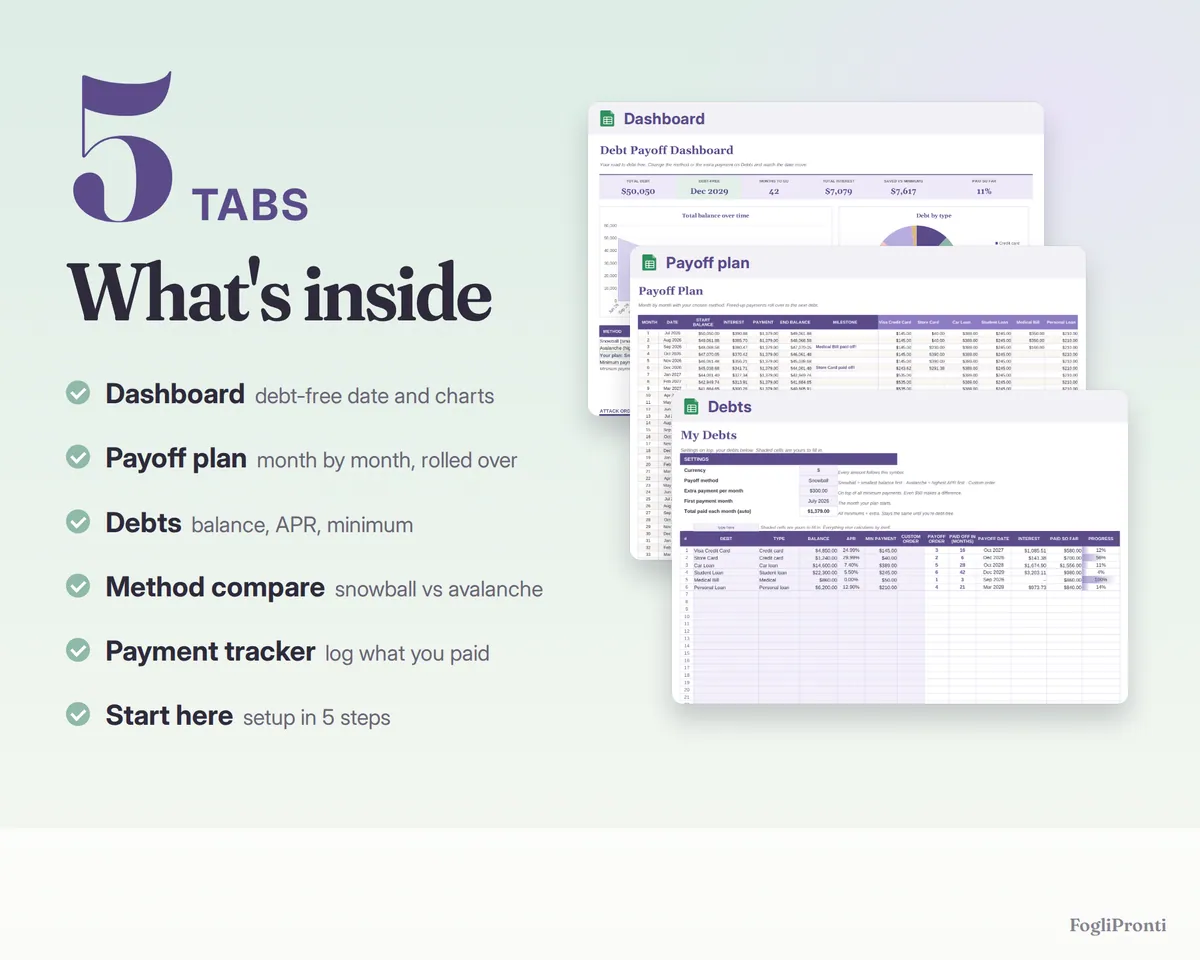
What's inside (5 tabs)
- Start here: setup in 5 steps, how to open it in Google Sheets
- Debts: up to 25 debts (credit cards, car loan, student loans, medical bills, personal loans, mortgage) with balance, APR and minimum payment; payoff order, payoff date and interest for each debt
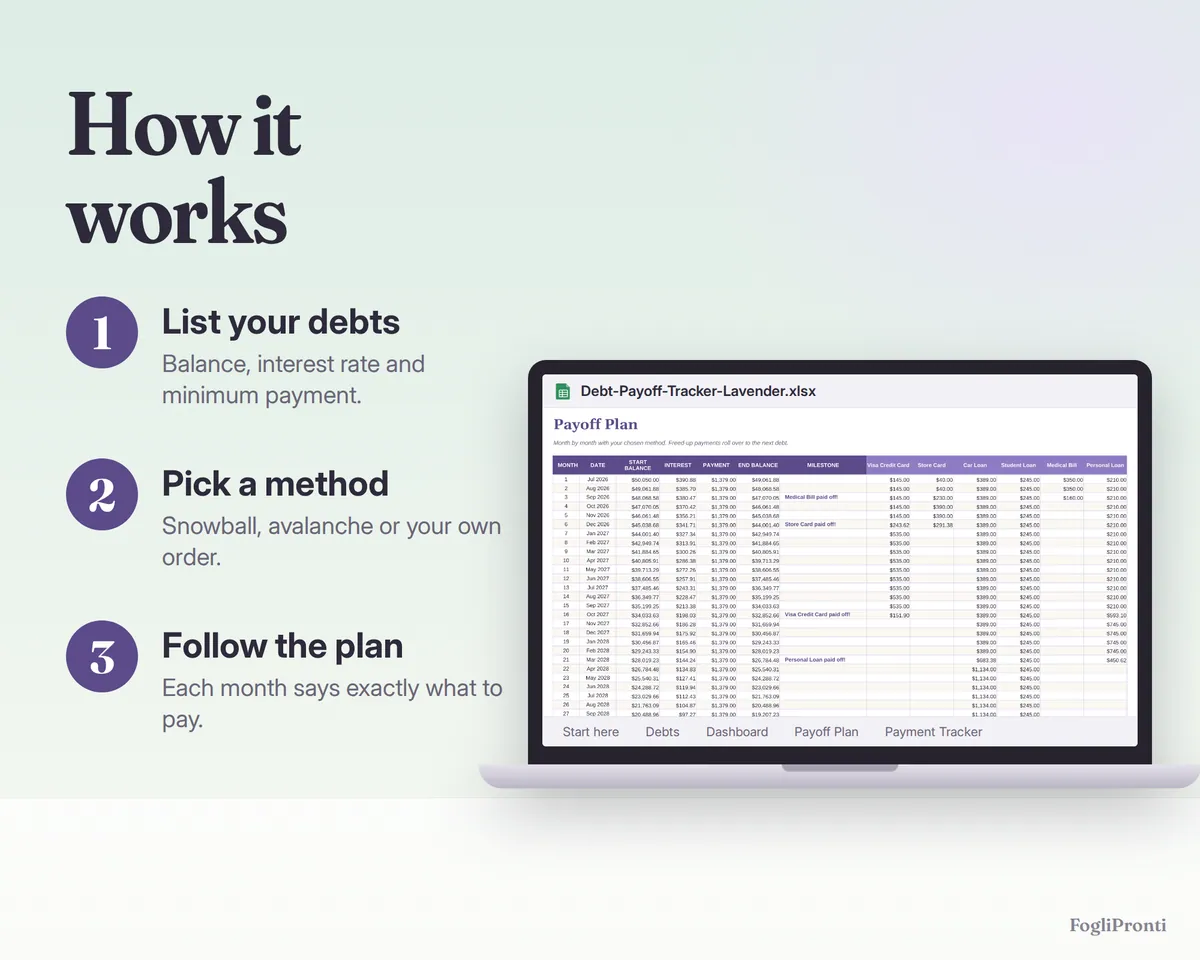
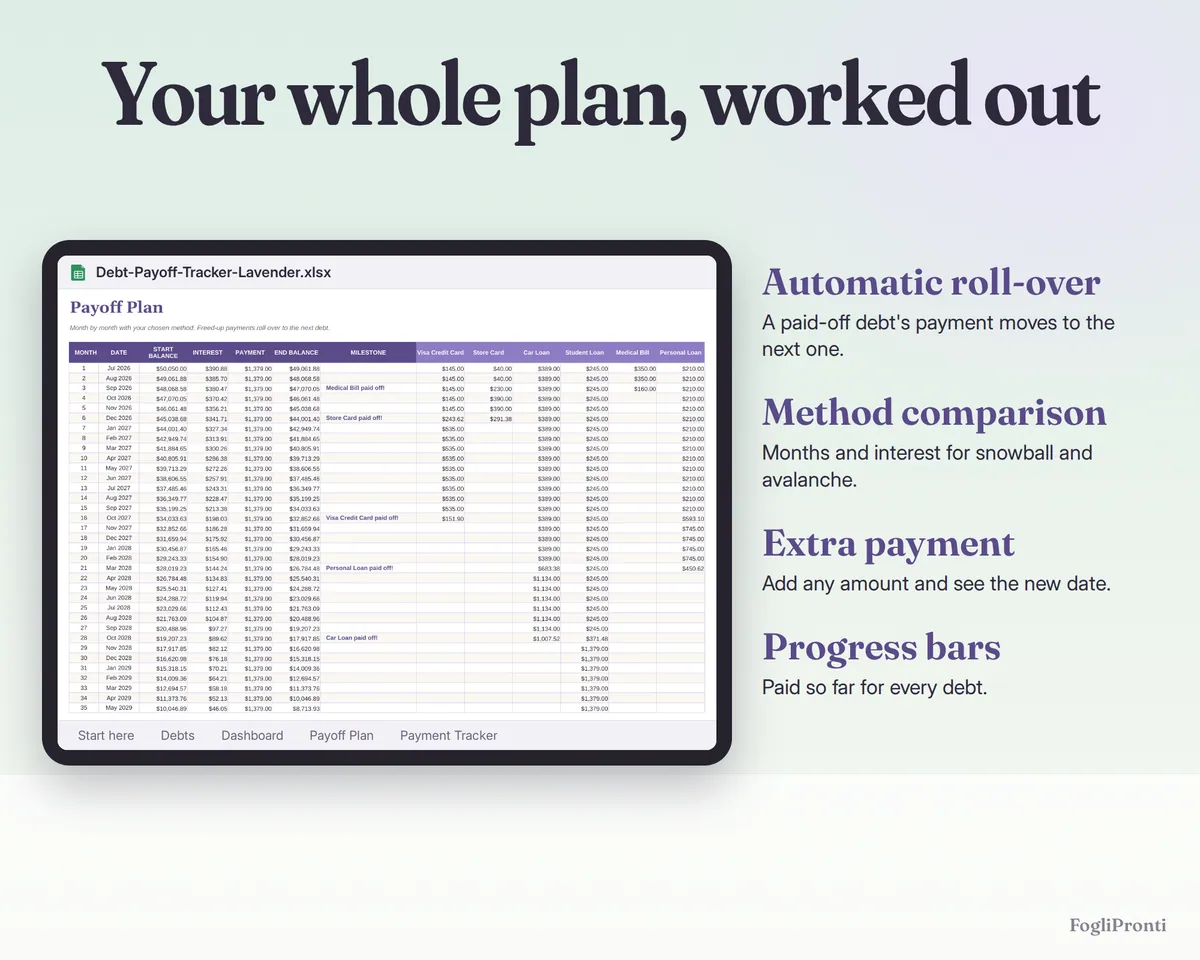
- Payoff Plan: up to 30 years, month by month: balance, interest, total payment and what to pay on each debt, with a 'paid off!' milestone the month each debt is gone
- Payment Tracker: log real payments; progress bars fill up as you go
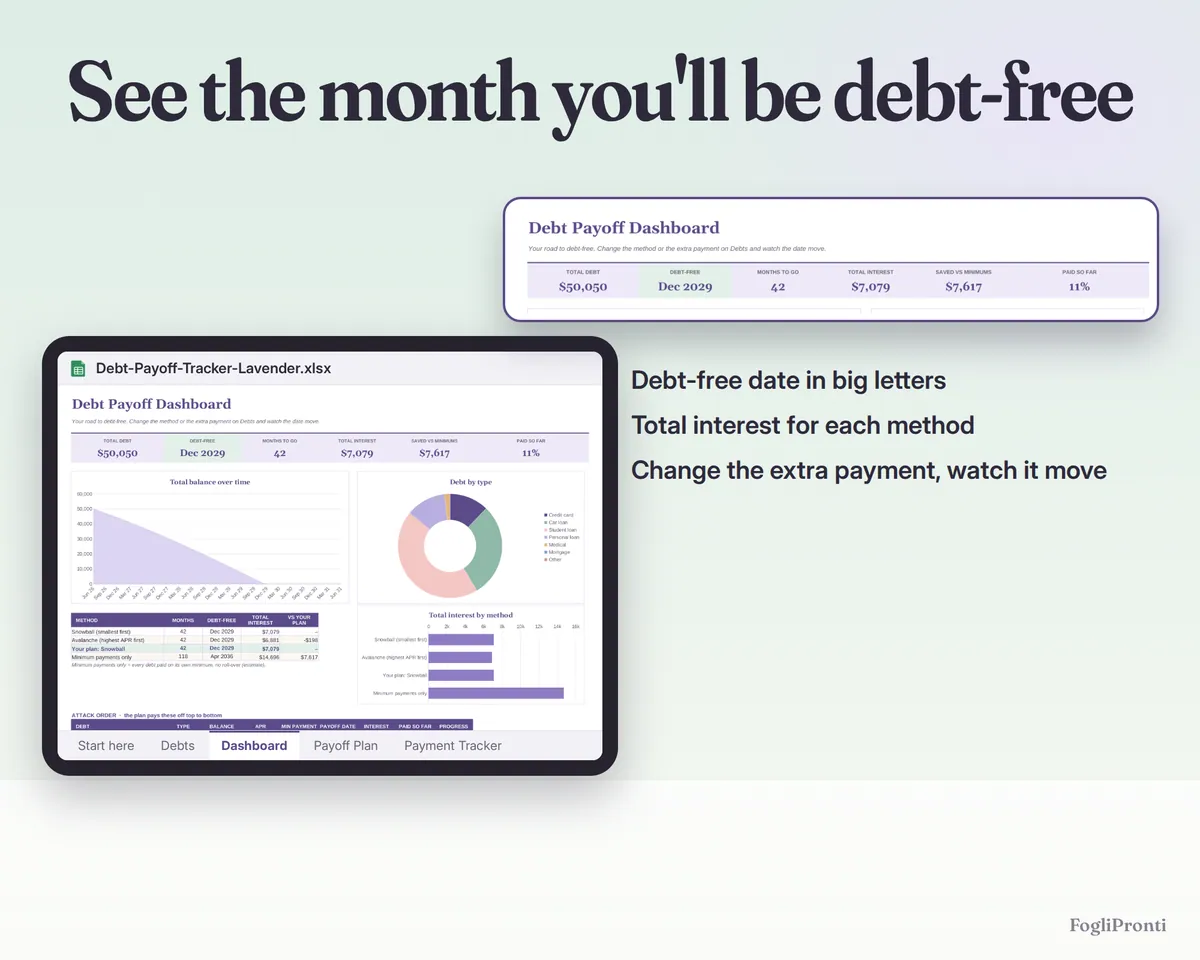
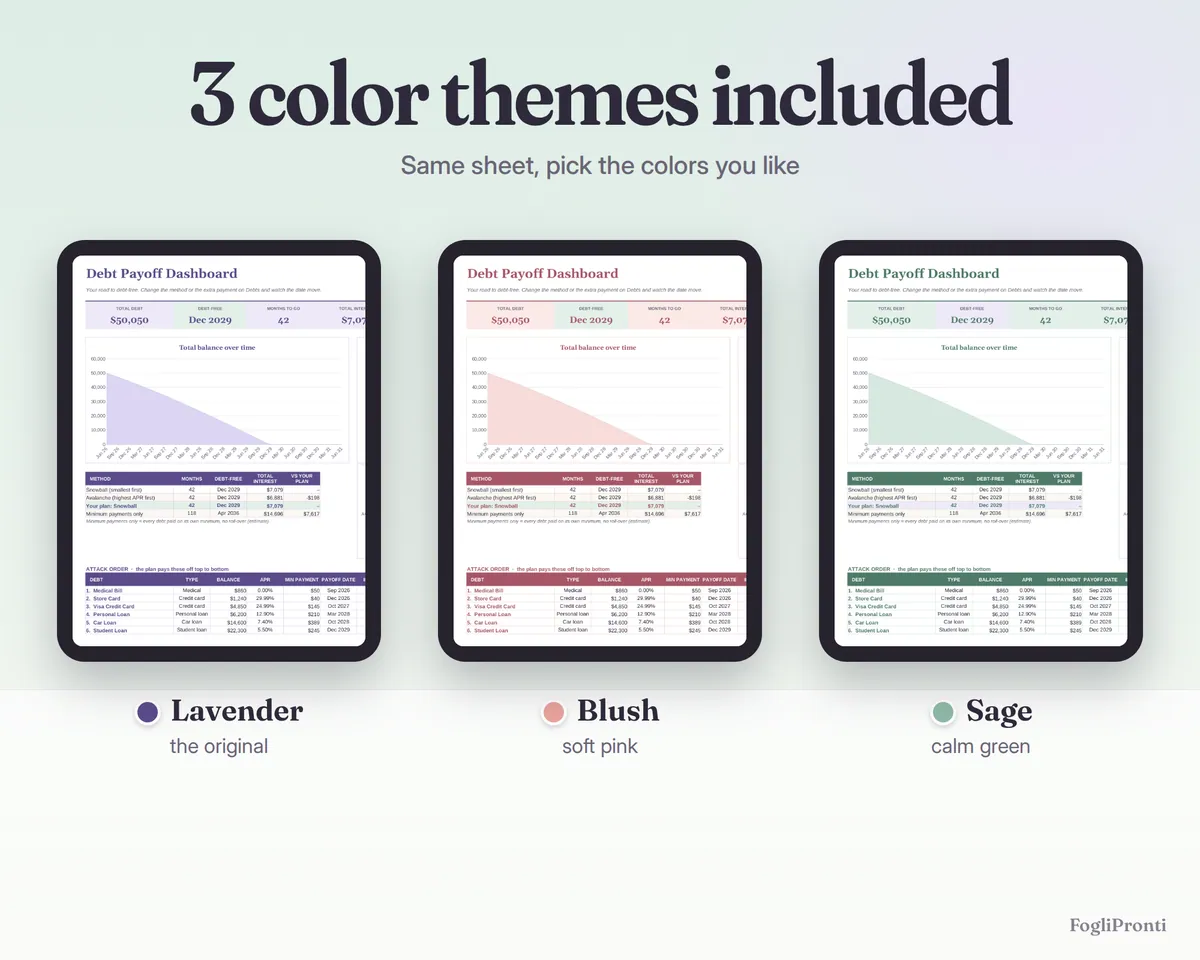
- Dashboard: debt-free date, months to go, total interest, interest saved compared with minimum payments, snowball vs avalanche side by side (months, date, interest), balance-over-time chart, debt by type, attack order with progress bars
How it works
- Enter your debts and the extra amount you can pay each month.
- Pick Snowball (smallest balance first), Avalanche (highest interest first) or Custom order.
- The plan recalculates instantly: change the extra payment and watch your debt-free date move.
Everything is plain spreadsheet formulas: no macros, no scripts, no add-ons.
Colors and files
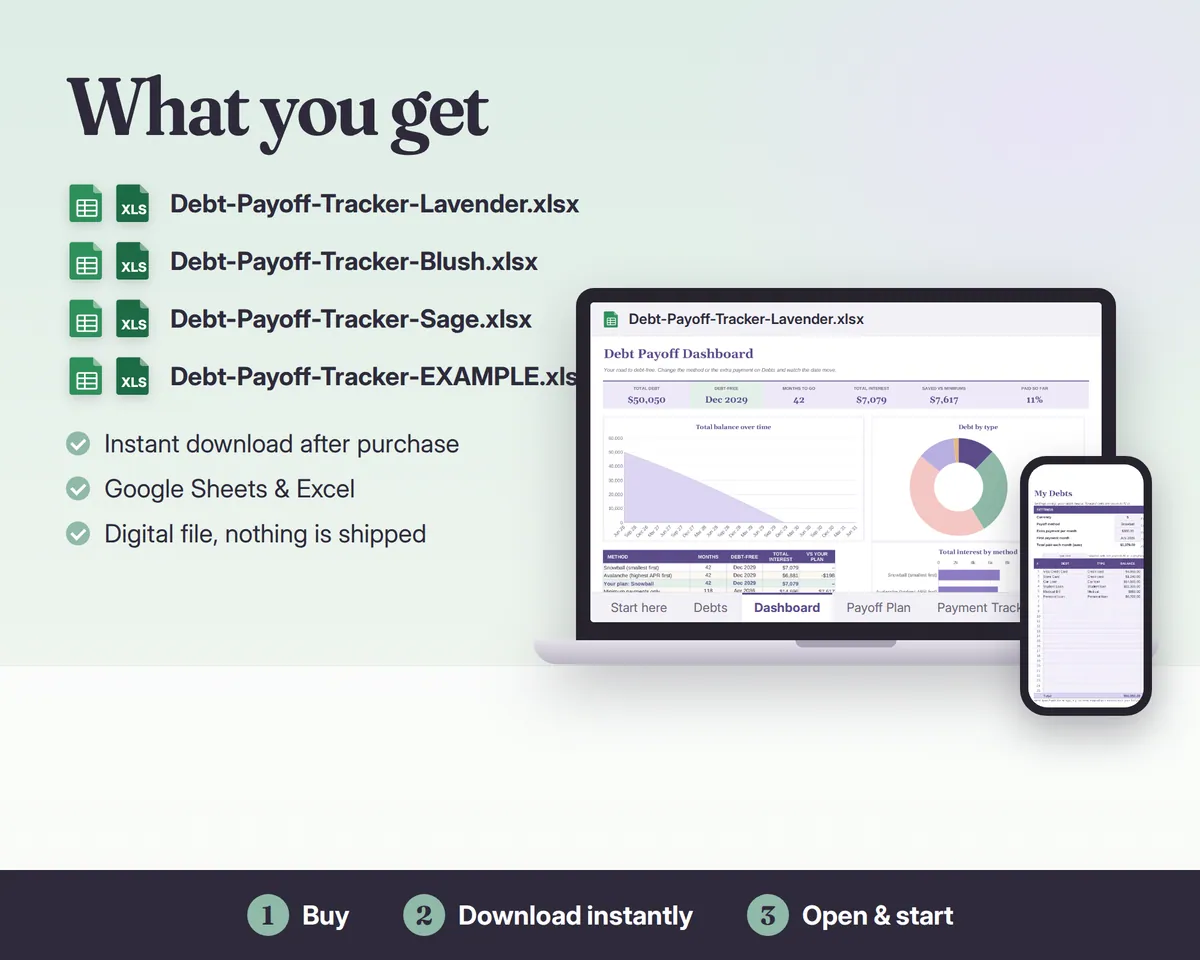
4 files: the same tracker in 3 color themes (Lavender, Blush, Sage), empty and ready to use, plus one EXAMPLE file filled with sample debts so you can see it at work.
Compatibility
- .xlsx for Microsoft Excel 2016 or newer (Windows, Mac, Excel online) and Google Sheets (free Google account: upload and open, steps in the file); also opens in LibreOffice
- Any currency: $, €, £, CA$, A$
- Formulas are locked so you can't break them by accident; your cells are shaded
Please note
Digital download: nothing is shipped. The photos show the example file. Results are estimates: interest is calculated monthly (APR ÷ 12) and your lender's figures may differ slightly. For personal budgeting, not financial advice. For personal use, please don't resell or share the file.
Made with the help of AI tools and checked by hand.
Questions
How do I get the files?
Right after you buy, Etsy shows a download button and emails you a link. You can download the files again any time from Purchases and reviews in your Etsy account.
Is anything shipped?
No. This is a digital download, nothing is mailed to you.
Which files are in the download?
Debt-Payoff-Tracker-Lavender.xlsx, Debt-Payoff-Tracker-Blush.xlsx, Debt-Payoff-Tracker-Sage.xlsx, Debt-Payoff-Tracker-EXAMPLE.xlsx.
Does it work in Google Sheets?
Yes. Open the .xlsx file in Excel, or upload it to Google Drive and open it with Google Sheets (File, Import also works).