Savings Tracker Spreadsheet Google Sheets & Excel
About $9 on Etsy
Get it on Etsy- Excel & Google Sheets
- Instant download
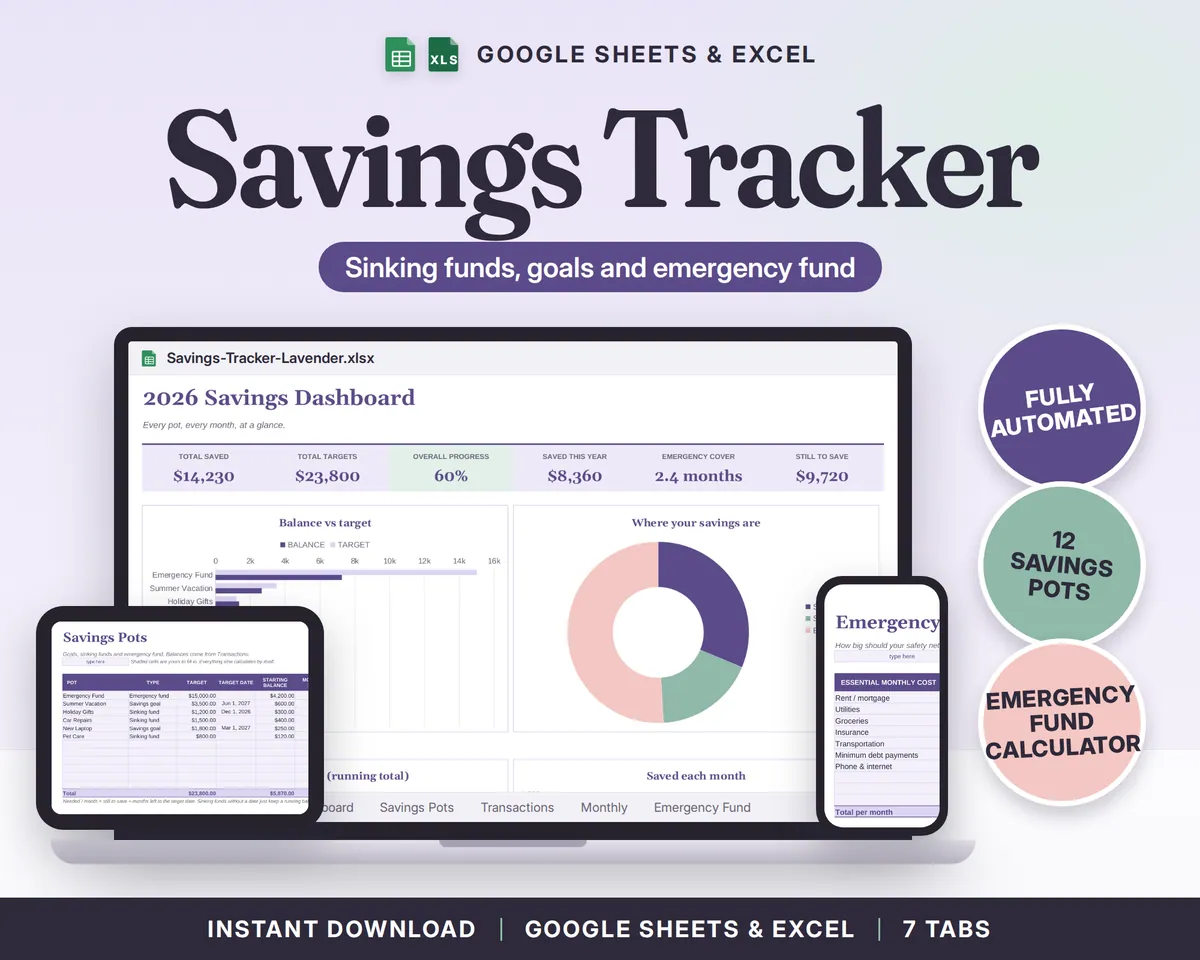
Savings Tracker Spreadsheet for Google Sheets and Excel: sinking funds, savings goals and your emergency fund in one place, with a dashboard that shows how close each one is.
See inside
What you get
I have ADHD, and money in my head was always "later". Savings I could not see did not grow. So I made one sheet where every goal is a pot with a target, you log each deposit, and the progress and the monthly amount you still need update by themselves. Seeing the bar fill is a surprisingly good reason to open it.
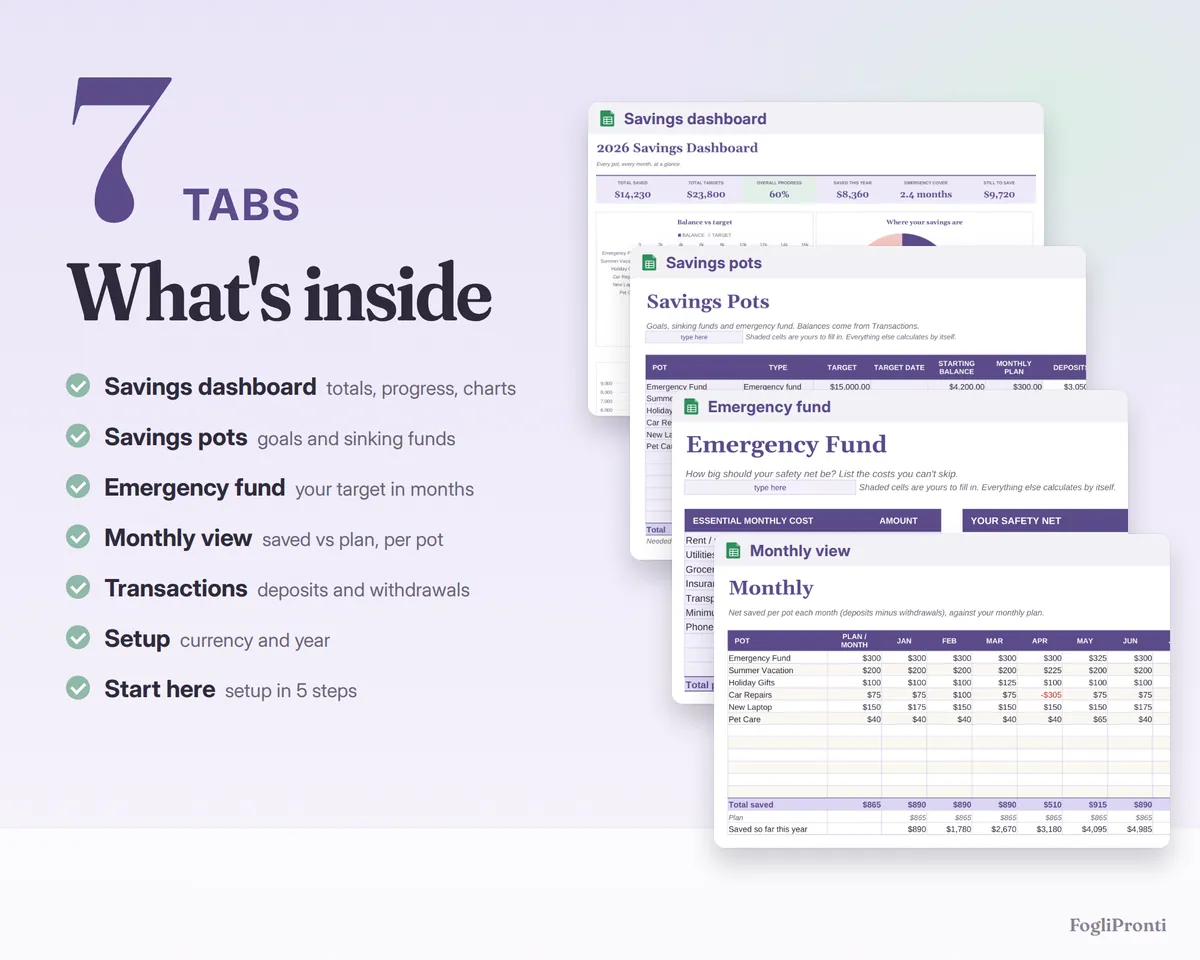
What's inside (7 tabs)
- Start here: setup in 5 steps, how to open it in Google Sheets
- Setup: currency ($, €, £, CA$, A$) and year (2026, 2027 or 2028)
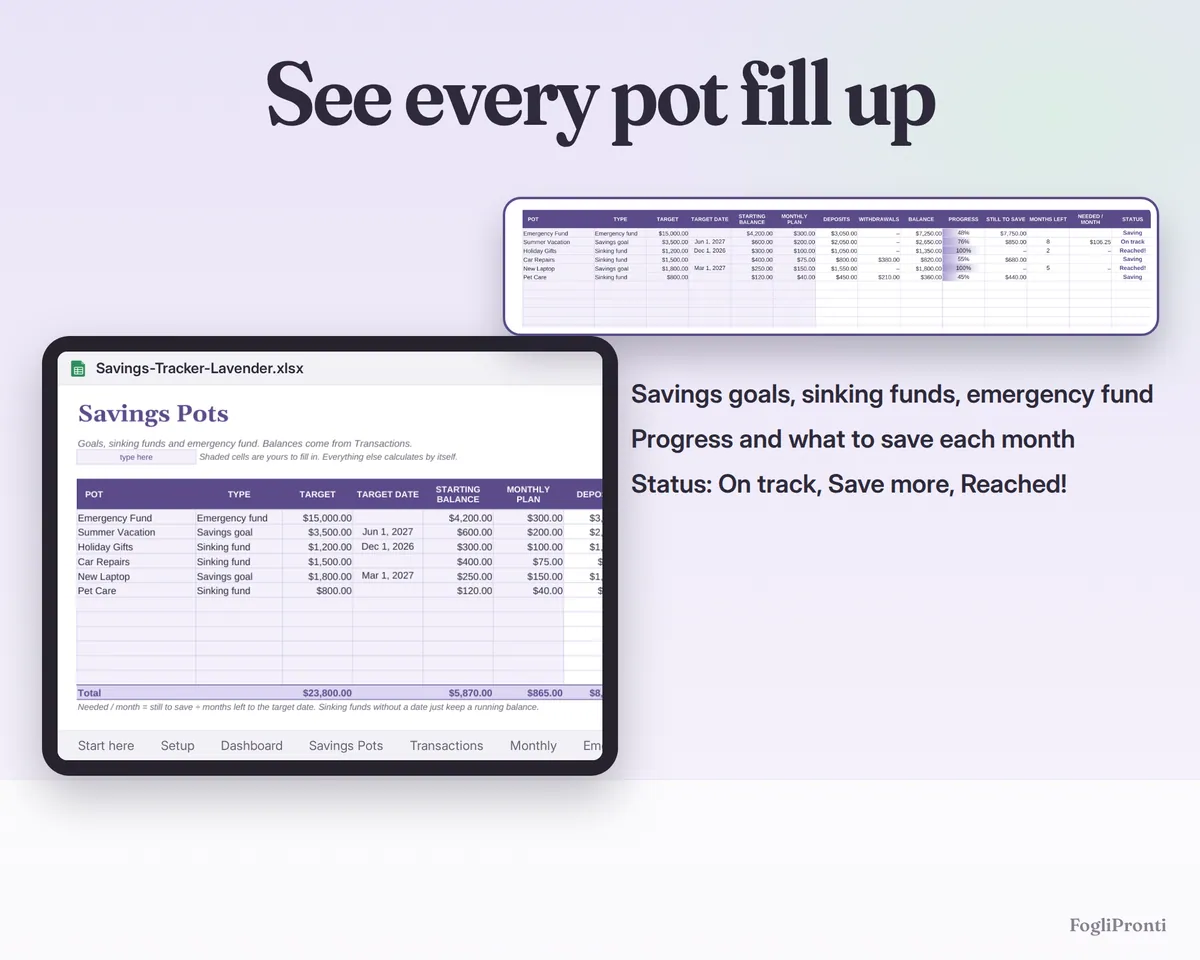
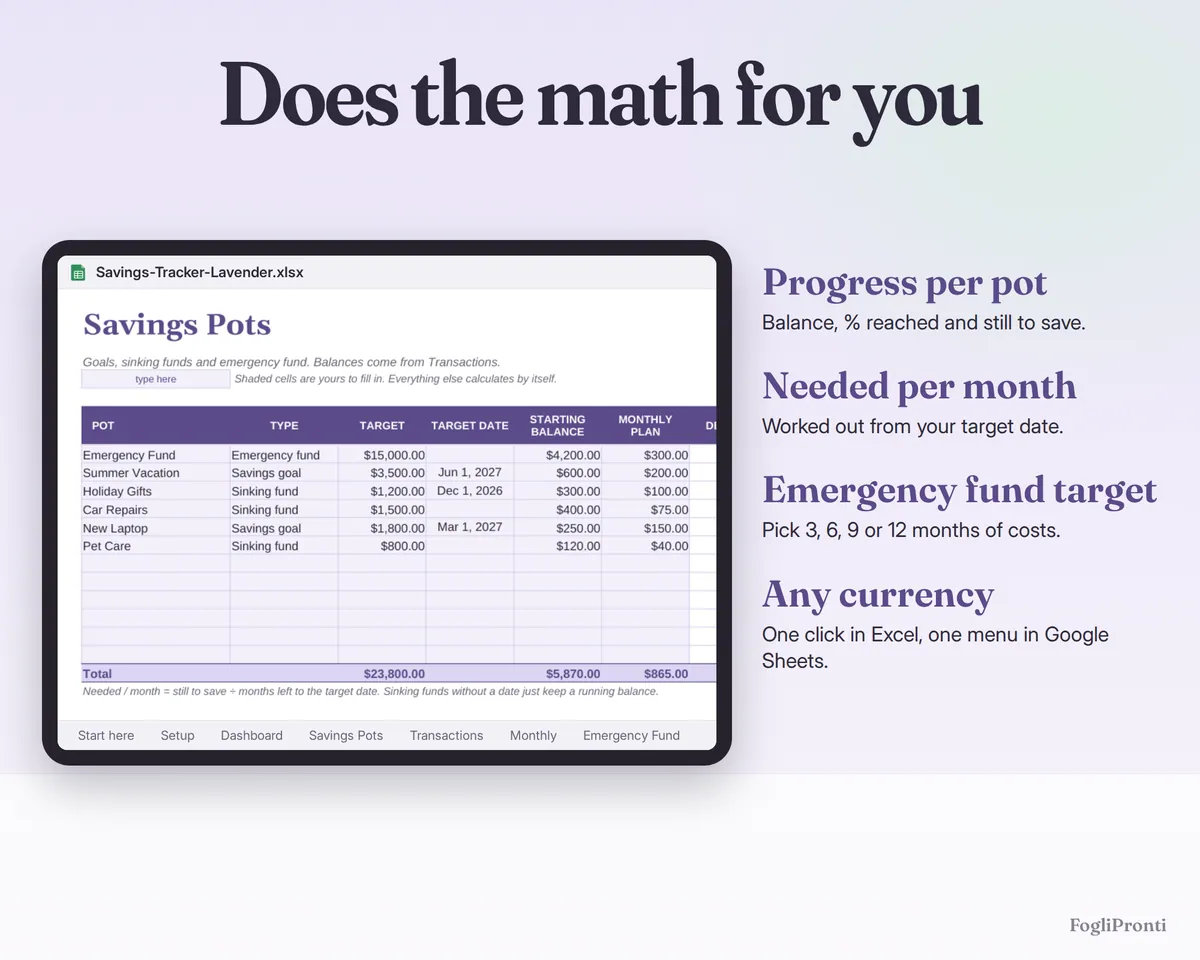
- Savings Pots: up to 12 pots (savings goals, sinking funds, emergency fund) with target, target date, starting balance and monthly plan; balance, progress (bars in Excel, % in Google Sheets), still to save, months left, amount needed per month and a status (On track, Save more, Reached!)
- Transactions: 800 rows of deposits and withdrawals with drop-down menus
- Monthly: net saved per pot, month by month, against your monthly plan
- Emergency Fund: list your essential monthly costs, choose 3, 6, 9 or 12 months, see your target and how many months you are covered today
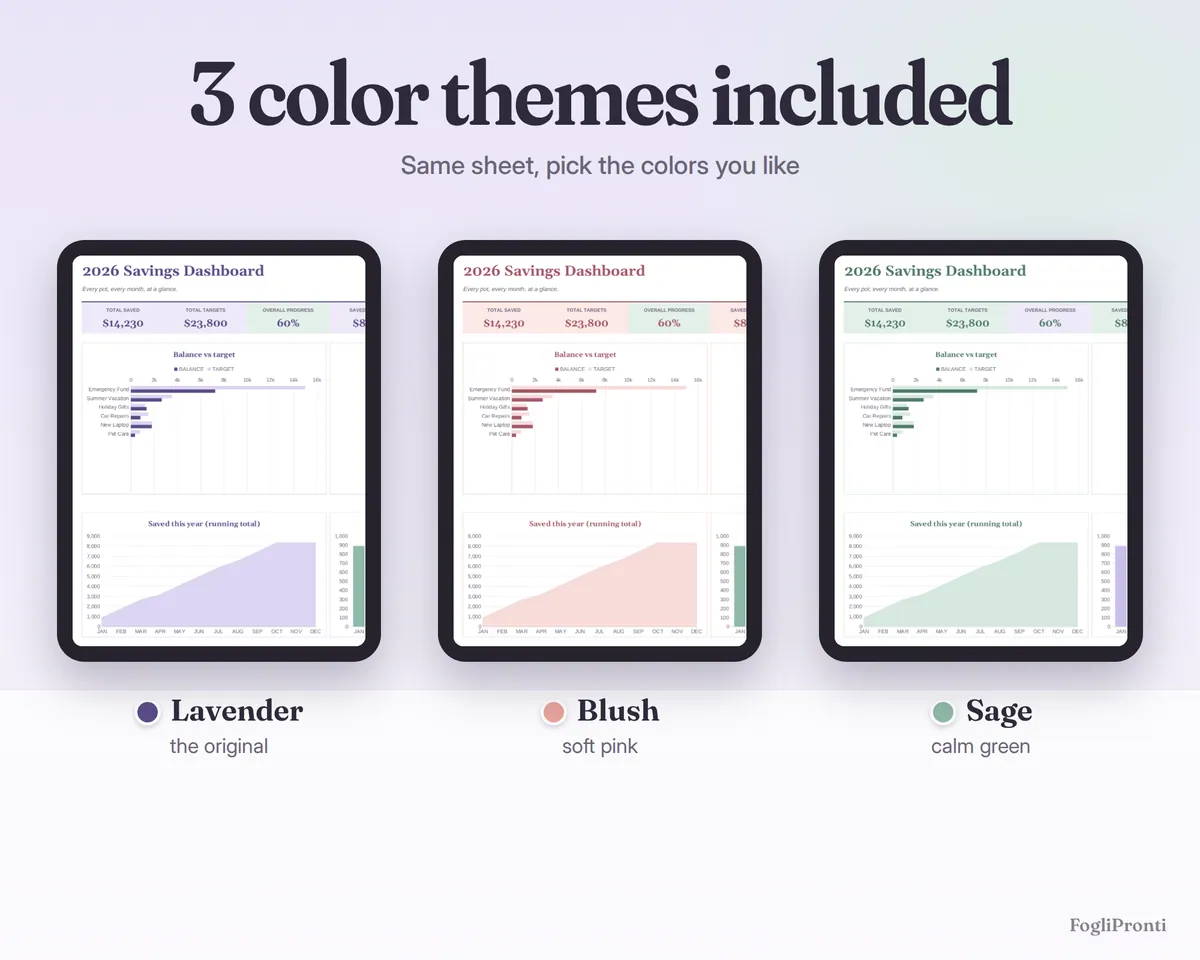
- Dashboard: total saved, overall progress, emergency cover, balance vs target chart, donut chart of where your savings are, saved each month and a running total
How it works
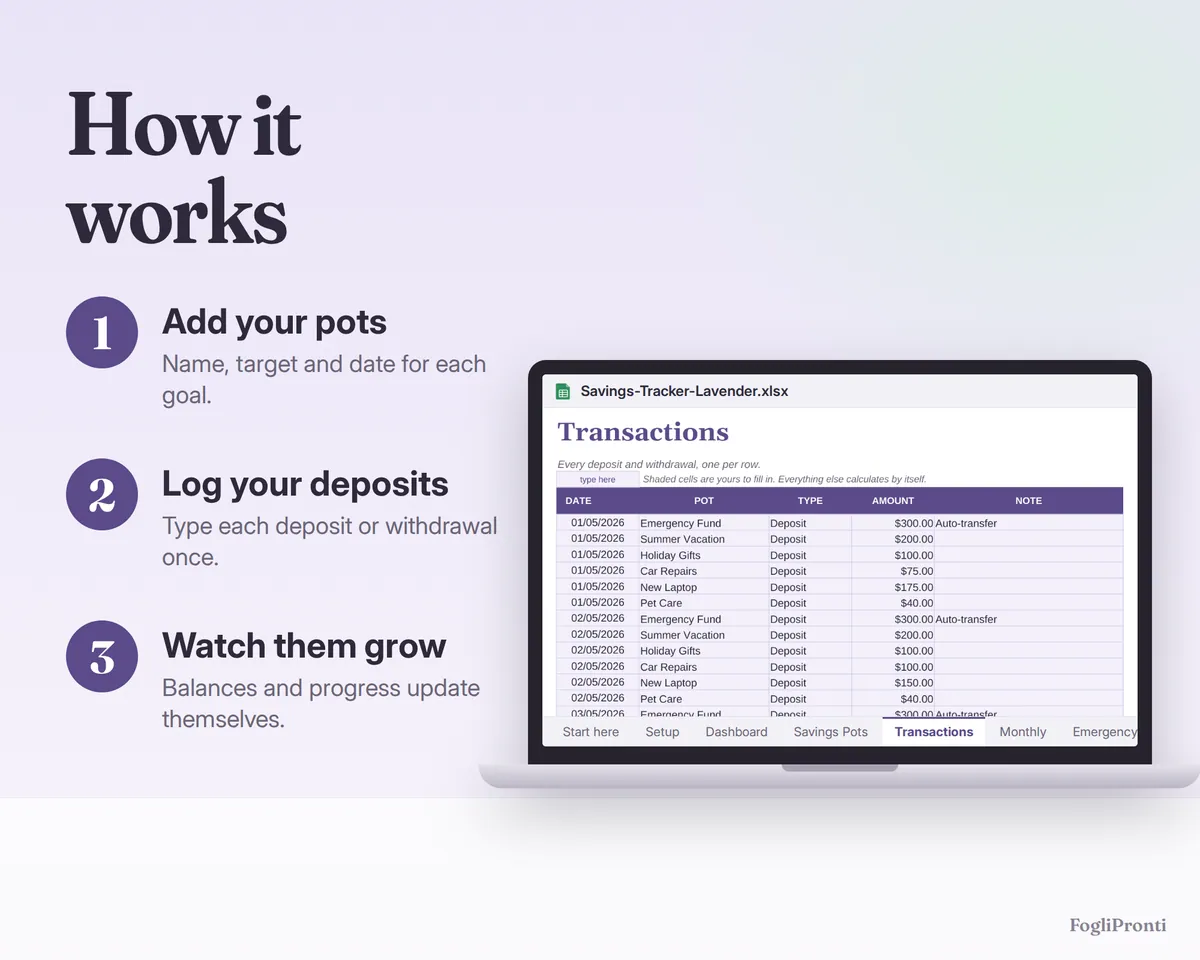
- Add your pots on the Savings Pots tab: a name, the type, a target, and a date if there is one.
- Log every deposit and withdrawal on Transactions. Balances and progress update by themselves.
- Check the Dashboard and the Emergency Fund tab to see where you stand and how much to set aside each month.
Colors and files
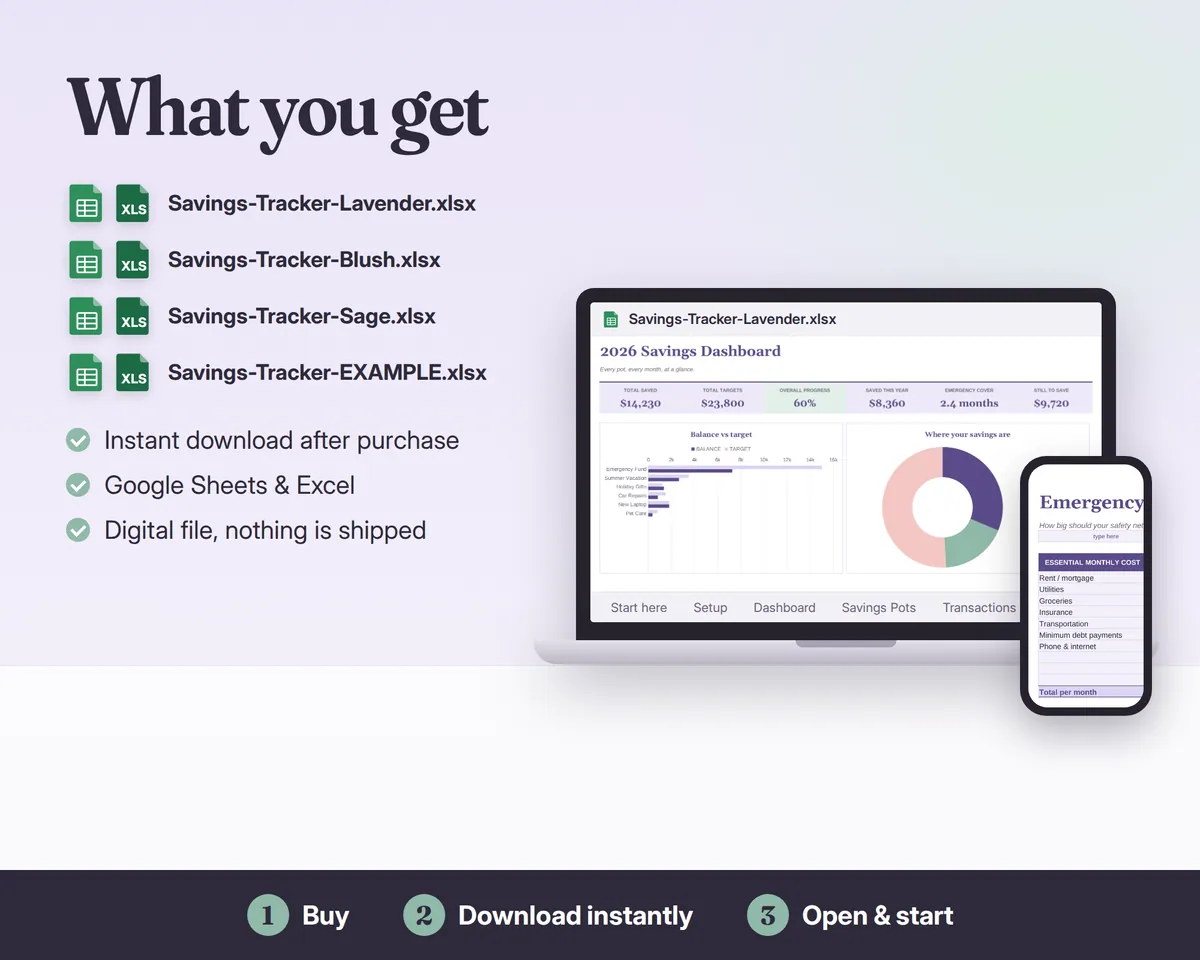
You get 4 files: the same tracker in 3 color themes (Lavender, Blush, Sage), ready to use and empty, plus one EXAMPLE file filled with sample numbers so you can see every feature at work.
Compatibility
- .xlsx for Microsoft Excel 2016 or newer (Windows, Mac, Excel online) and Google Sheets (free Google account: upload and open, steps in the file); also opens in LibreOffice
- No macros, no add-ons, no subscription
- Formulas are locked so you can't break them by accident; your cells are shaded
Please note
Digital download: nothing is shipped. The photos show the example file. For personal budgeting, not financial advice. For personal use, please don't resell or share the file.
Made with the help of AI tools and checked by hand.
Questions
How do I get the files?
Right after you buy, Etsy shows a download button and emails you a link. You can download the files again any time from Purchases and reviews in your Etsy account.
Is anything shipped?
No. This is a digital download, nothing is mailed to you.
Which files are in the download?
Savings-Tracker-Lavender.xlsx, Savings-Tracker-Blush.xlsx, Savings-Tracker-Sage.xlsx, Savings-Tracker-EXAMPLE.xlsx.
Does it work in Google Sheets?
Yes. Open the .xlsx file in Excel, or upload it to Google Drive and open it with Google Sheets (File, Import also works).